






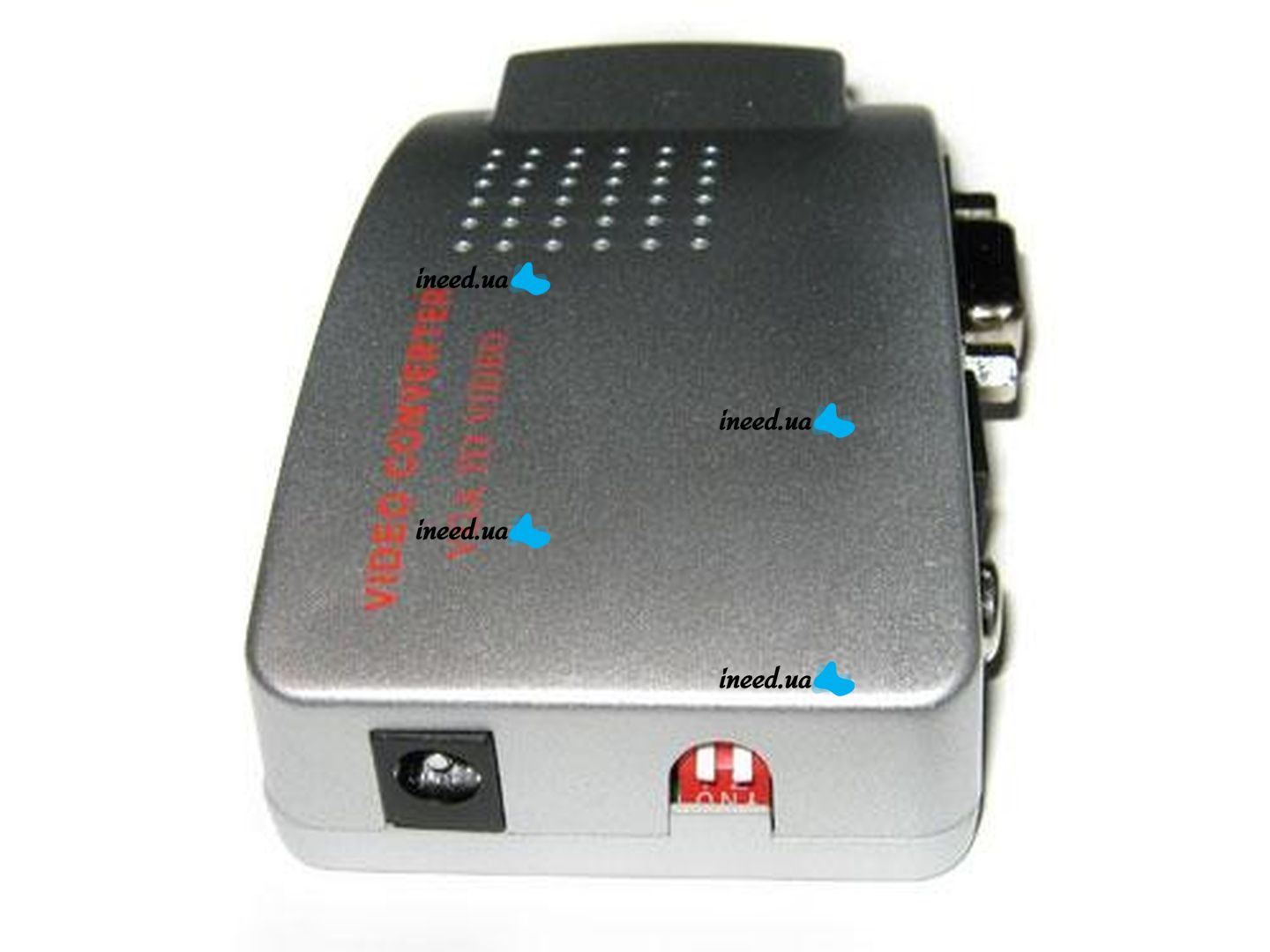
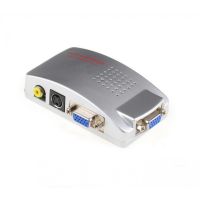
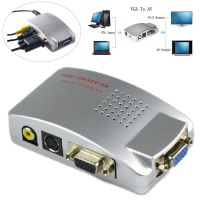
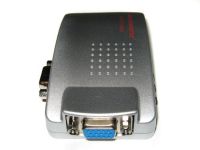
Universal VGA-RCA AV + S-Video TV Converter from VGA to RCA Tulips for connecting from PC to TV.





- New Mail
- Address delivery
- Cash on delivery
- Online payment by Visa/Mastercard
- To the sole proprietor's account using the IBAN at MonoBank
Using the TV as a computer monitor, great for presentations, PC online games, watching videos and movies.
The converter converts a computer analog signal into an analog TV signal that is understandable to the TV.
Using standard RCA or S-Video TV input connectors to choose from, we get displays on a TV, projector or other viewing device of everything that is on the computer's hard drive or viewed online.
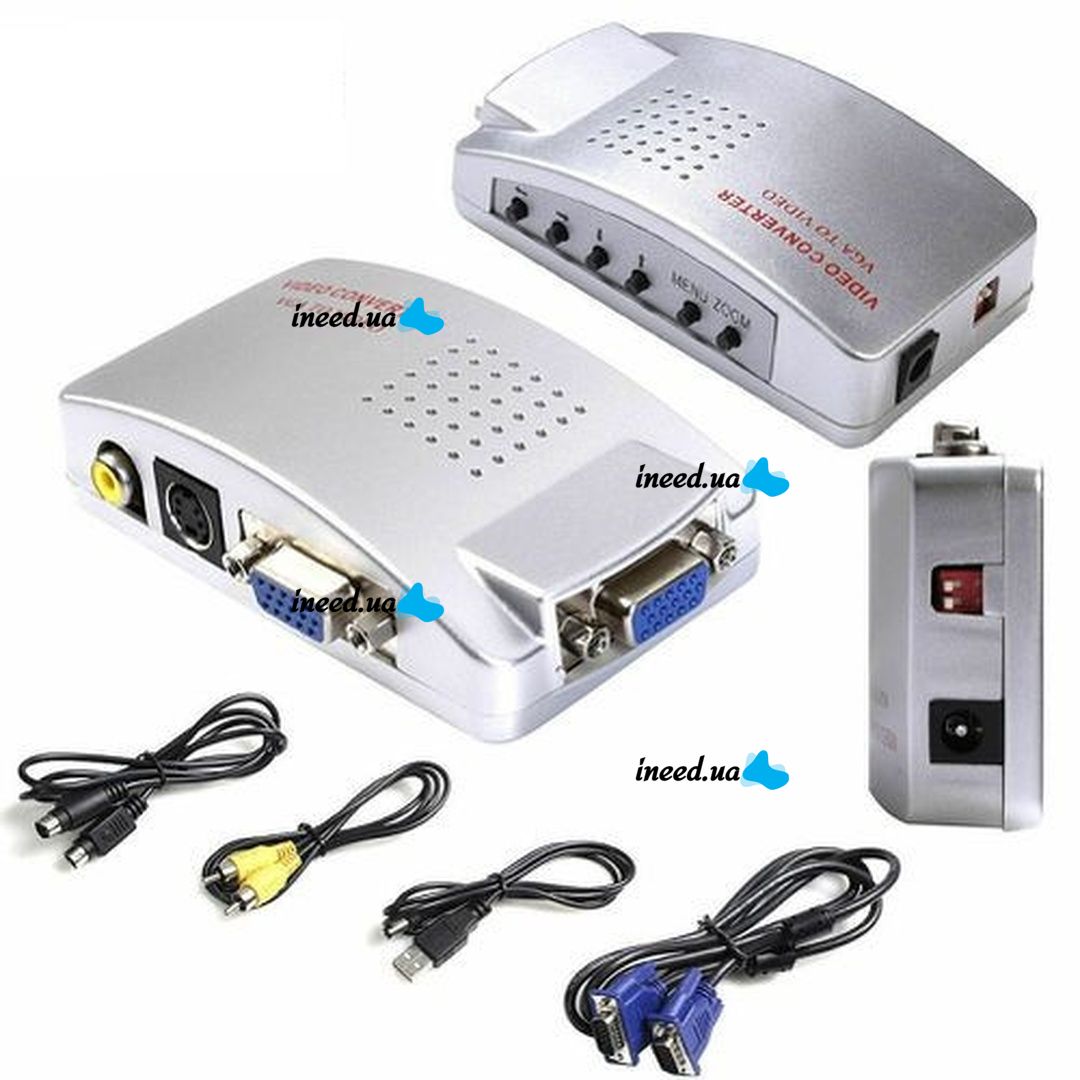
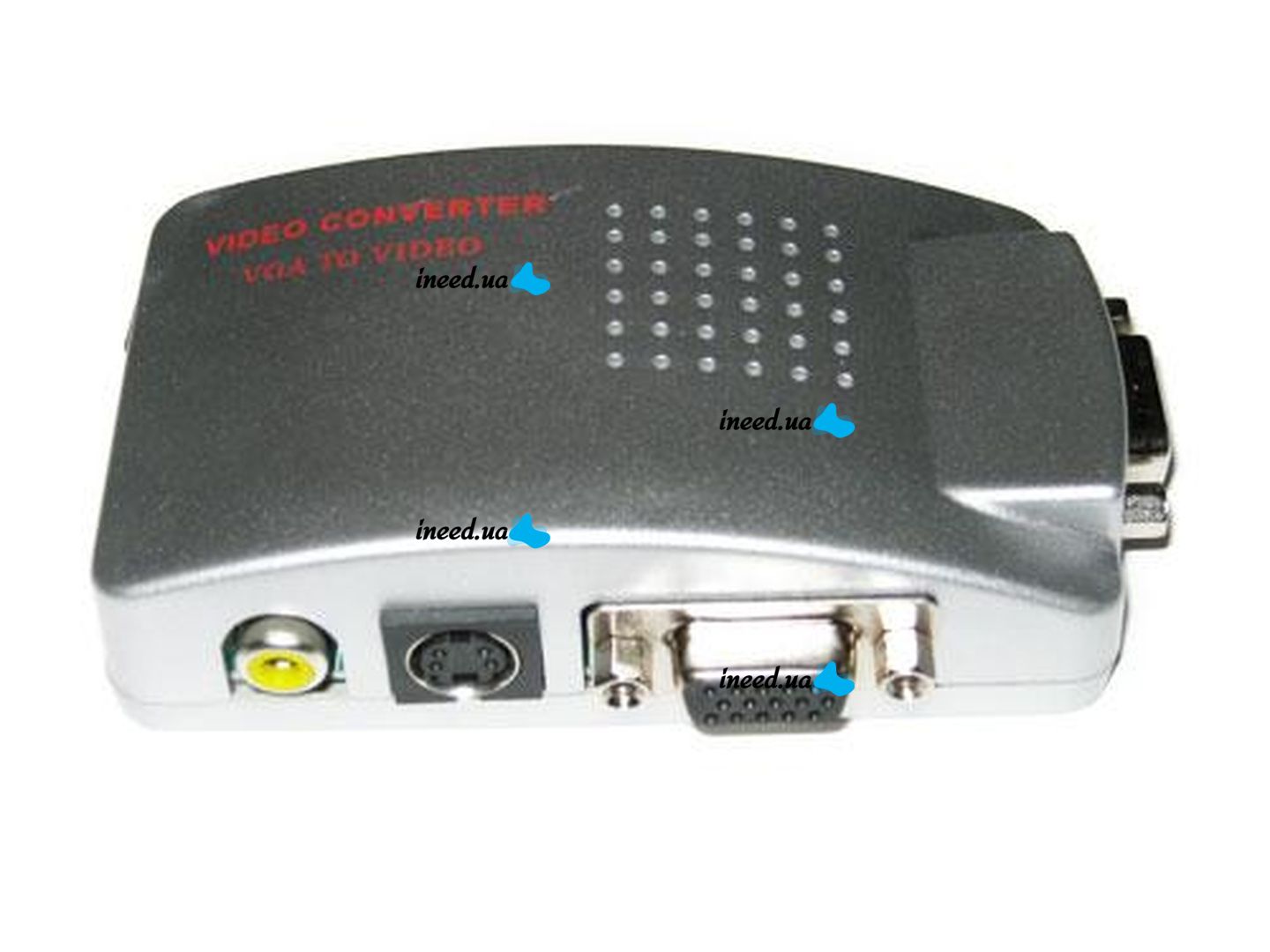
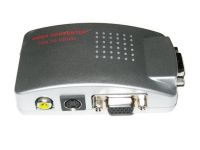
This converter can convert VGA signal to S-Video and RCA signal, and also has an additional VGA output for connection to the monitor.
In essence, this means that you can simultaneously watch video on the monitor via VGA and on the TV screen.
No drivers or software are needed for the converter to work.
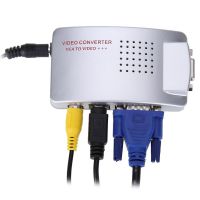
You just need to connect all the cords (USB power supply, VGA from a computer or laptop, RCA or S-Video to a TV) and assign screen duplication in the properties of the monitor screen (for Windows 7 - right-click on the screen > Screen resolution > Connecting to the projector).
After that, switch the input signal selection on the TV and watch the picture from the monitor on the big TV screen.
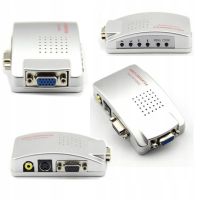
Which cord to connect where is written on the underside of the case. In addition to the VGA connectors, the rest are already clear by the configuration of the socket.
The converter is not equipped with a cable for additional connection to the monitor. For these purposes, a native VGA cord from the monitor is used.
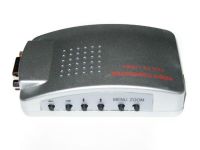
There are buttons on the converter case to adjust the image:
- left and right arrows - moves the image left and right, changes the parameter setting in the menu;
- arrows "up" and "down" - moves the image up and down, in the menu select settings;
- MENU - open or hide the menu on the screen;
- ZOOM - zoom the image.
Menu items Image settings:
- horizontal stretching;
- vertical stretching;
- brightness;
- contrast ratio;
- shade;
- saturation;
- sharpness;
- clarity;
- OSD menu background (black, transparent).
Factory settings usually do not require additional adjustments and therefore the use of the menu is unlikely to be required.
Note: Some converters, depending on the batch of goods, may have a BNC connector instead of an RCA connector as the output of composite video. This does not change anything in the operation of the device. In order not to create difficulties for the buyer when connecting cables, we additionally complete such converters with a BNC - RCA adapter.
Specifications:
system requirements for the computer: the presence of a VGA output;
system requirements for the viewing device: the presence of video inputs RCA or S-Video;
converter dimensions: 97 x 59 x 26 mm;
Plug & Play, no drivers required;
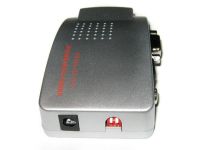
Power supply: 5V from USB port;
Input port: VGA (DE15F);
Output ports: Composite Video (RCA), S-Video and VGA (DE15F).
Supported resolutions: 640 x 480 (up to 85 Hz), 800 x 600 (up to 85 Hz), 1024 x 768 (up to 75 Hz) and 1280 x 1024 (up to 60 Hz);
Video standards: NTSC, PAL;
image settings: scaling, screen offset, stretching/narrowing, brightness, contrast, hue, saturation, sharpness, clarity, OSD background;
RCA cable length: 1.0m;
USB cable length: 1.0m;
VGA cable length: 1.0m;
S-Video cable length: 1.0m;
converter weight: 74 g;
Package weight: 225g;
converter body color: silver.
Scope of delivery:
- video converter;
- RCA video cable;
- USB power cable;
- VGA cable;
- S-Video Cable;
- BNC - RCA adapter (only for converters with BNC output);
- the manual is in English.
-
Condition:
-
Color:
-
Voltage:
-
Type:Signal converter
-
Height:
-
Recording resolution:1280x1024
-
Width:97 mm.
-
Conversion type:VGA-RCA
-
Country of manufacture:


